Private progress photos
Look back at the progress photos you’ve kept.
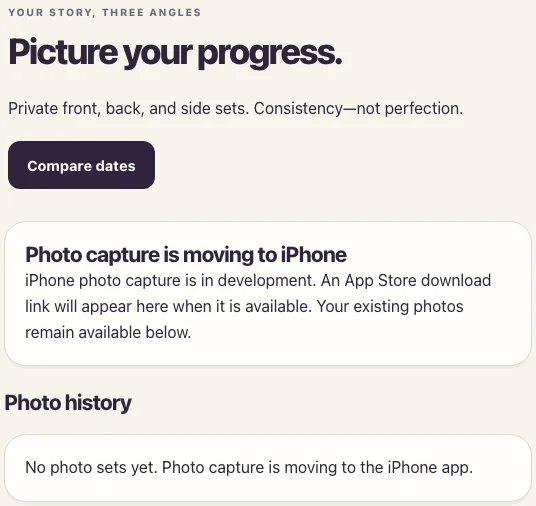
If you already have progress photos in Pegboard, the web gallery lets you revisit past check-ins. New photo capture is unavailable on the web.
How it works
Open your gallery
Sign in and choose Photos to see any photo check-ins already saved to your account.
Compare past check-ins
If you have more than one photo set, choose the two check-ins you want to compare.
Keep a private copy
In Profile, choose Download your data and select the ZIP with photos option.
Can I download my stored photos?
Yes. Confirm your password and choose the photo ZIP from Profile. The download includes stored images and journal data. Keep it somewhere private.
Start with your next meal.
Open your journal, add a food, and see how your day adds up.
Create my account ↗Already have an account? Log in.