Food library and barcodes
Find a food, check the serving, then log it.
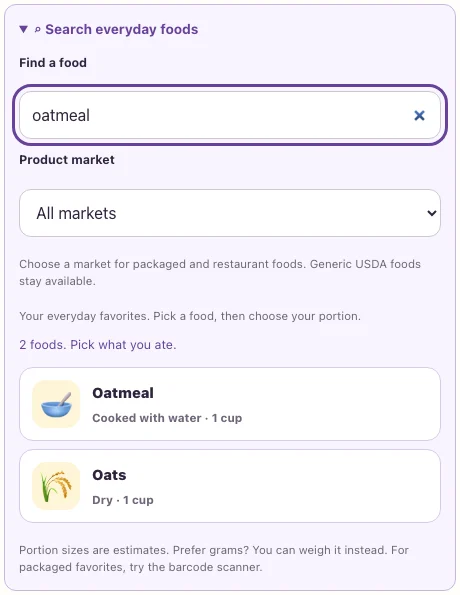
Search everyday foods for a reference such as oats, or look up the barcode on a package. Either way, you choose what goes into your journal.
How it works
Find a match
Choose the preparation that fits the food you ate, or look up the barcode on the package.
Review your portion
Check the amount, serving unit, and nutrition in the editable form.
Add it to your meal
Make any corrections and save. If the lookup misses, enter the food yourself.
What if a barcode result and the package label disagree?
Compare the serving size and nutrition with the label on your package. Barcode values come from community-supplied data and may differ. You can correct the values before saving.
Start with your next meal.
Open your journal, add a food, and see how your day adds up.
Create my account ↗Already have an account? Log in.